AI-Assisted Design
Ways I use AI to turn ideas into prototypes and experiences teams can evaluate quickly, while owning the problem framing, design decisions, validation, and final quality.
Illustrations of my workflow, not project screenshots or testing results.
Research
Find the patterns.
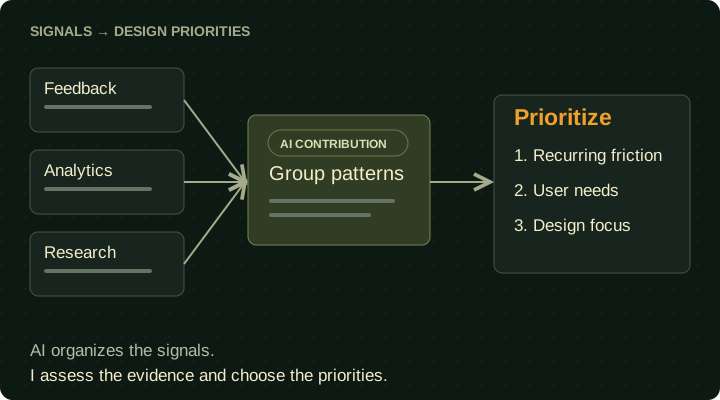
- Use AI to synthesize feedback and research.
- Identify friction through analytics.
- Set design priorities.
Design documentation
Make the intent clear.
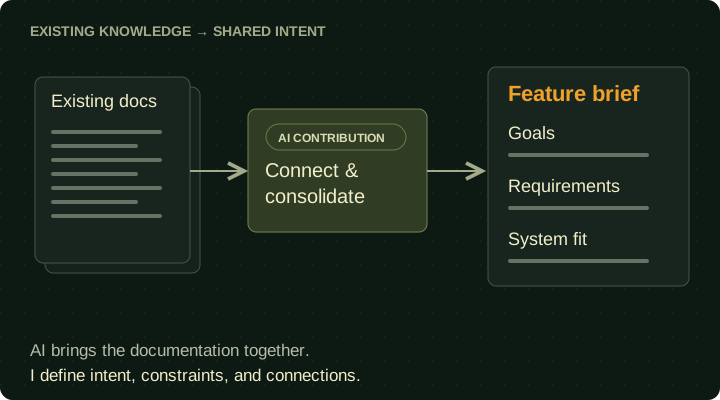
- Use AI to review and consolidate documentation.
- Define goals and requirements.
- Align new features with existing systems.
Systems & wireframes
Give ideas structure.
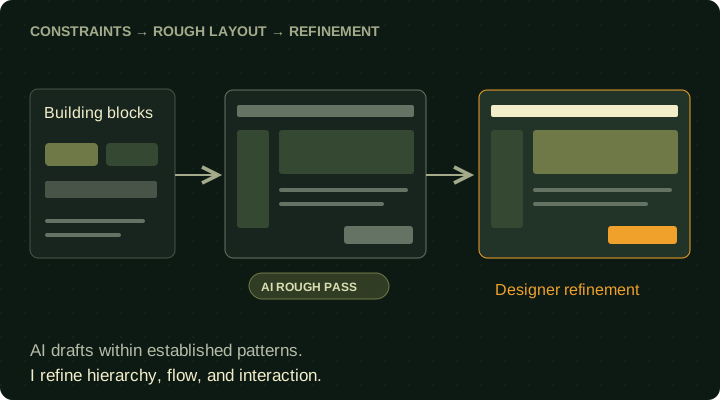
- Guide AI-generated wireframes with research and expertise.
- Build on established components.
- Refine flows and interactions.
Prototyping & evaluation
Make it testable.
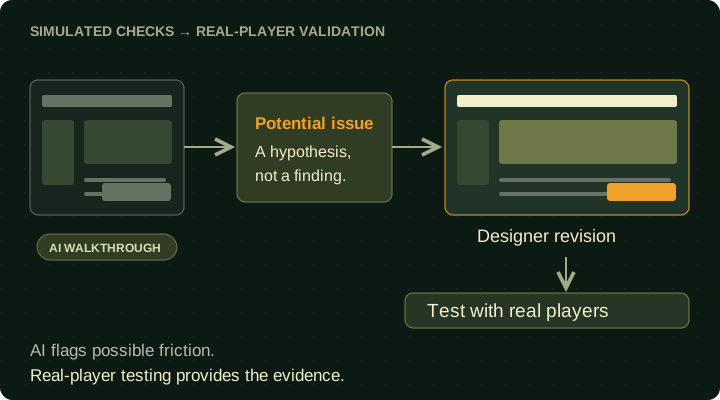
- Stress-test flows with AI-simulated walkthroughs.
- Flag potential issues for investigation.
- Validate with real players.
Implementation
Build the experience.
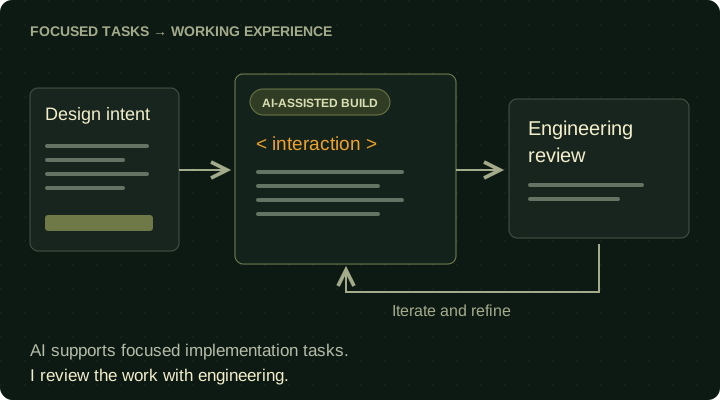
- Build through focused AI-assisted tasks.
- Iterate and review code quality.
- Review with engineering before submission.
Design systems & UI art
Keep it coherent.
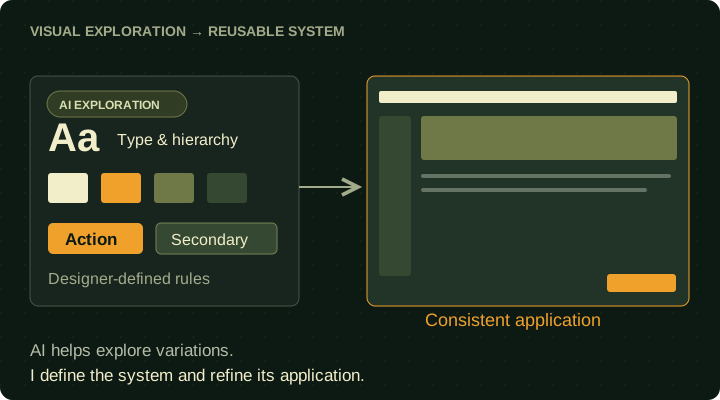
- Use AI to explore visual directions and component variations.
- Define reusable components and visual rules.
- Refine and apply them consistently.